
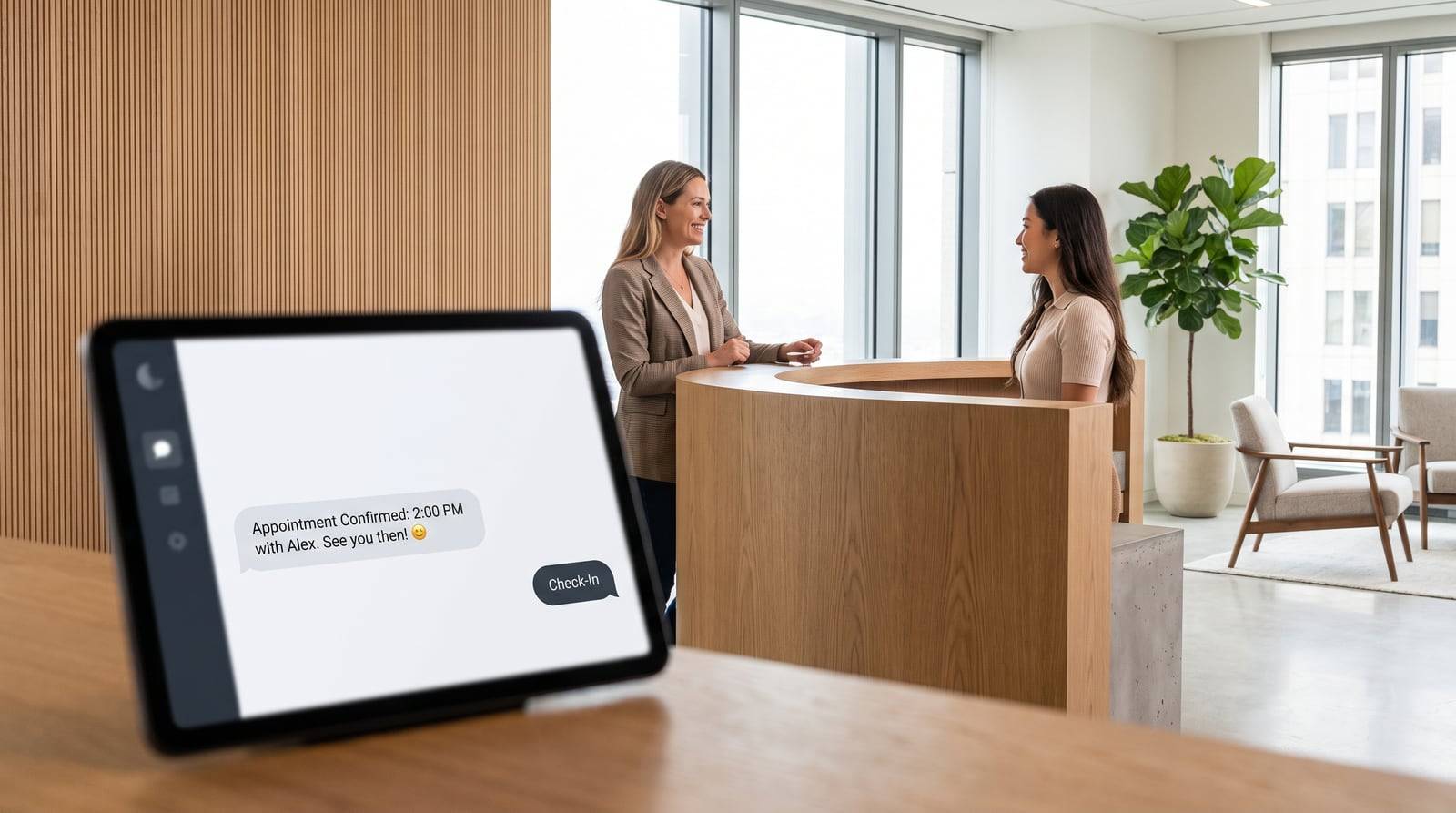
A website chatbot greets every visitor, answers their questions instantly, and captures their contact details even after hours. By qualifying leads and offering direct booking, it converts browsers who would otherwise leave into scheduled appointments, recovering jobs your business currently loses to missed calls and unanswered questions.
Every day, people land on your website, read a page or two, and leave. They were interested enough to visit, but something stopped them from calling. Maybe it was after hours. Maybe they had one question you didn't answer. Maybe they just got distracted. Those are real jobs walking out the door.
A website chatbot fixes that leak. It greets visitors the moment they arrive, answers their questions instantly, and collects their contact details before they bounce. For service businesses, that difference often means the gap between a quiet week and a fully booked calendar.
Why Website Visitors Leave Without Booking
Understanding the problem makes the solution obvious. Most people who visit a service website aren't ready to commit on the spot. They're comparing options, checking if you cover their area, or wondering what you charge.
When they can't get answers quickly, they move on to the next business on the list. A few common reasons visitors vanish:
- It's outside business hours. Over half of web traffic happens evenings and weekends, when your phone goes to voicemail.
- They have a specific question. "Do you service my zip code?" or "Can you come Saturday?" If the site doesn't say, they leave.
- Calling feels like a commitment. Many people avoid phone calls and prefer to type a quick message.
- The form is too much work. Long contact forms with ten fields kill momentum.
Each of these is a point where interest fades. A chatbot meets the visitor at exactly that moment and keeps the conversation alive.
How a Website Chatbot Captures Leads Automatically
The core job of any website chatbot is simple: start a conversation and end it with a usable lead. It does this without you lifting a finger.
Here's the typical flow:
- A visitor lands on your page.
- The chat window opens with a friendly prompt like "Hi! Looking for a quote?"
- The visitor types a question or clicks a suggested option.
- The bot answers, then naturally asks for their name, number, and the job details.
- That information lands in your inbox or phone within seconds.
Lead capture that feels like a conversation
Traditional forms ask for everything up front. A chatbot handles lead capture the way a good receptionist would — one question at a time, inside a dialogue that feels natural.
Instead of a wall of fields, the visitor answers "What service do you need?" then "What's the best number to reach you?" The back-and-forth keeps them engaged, and because each step feels small, far more people finish. Higher completion means more contact details and more jobs you can follow up on.
No lead falls through the cracks
When someone shares their number in chat, that lead is logged immediately. You can get an instant text or email alert, so you can call back while the visitor is still thinking about their project. Speed matters: businesses that respond within five minutes are far more likely to win the job than those that wait an hour.
Answering Questions After Hours
Your competitors sleep. Your chatbot doesn't. This is where an AI chatbot for business really earns its keep.
A modern AI-powered bot doesn't just follow a rigid script. It understands plain-language questions and pulls answers from the information you've given it — your services, pricing ranges, service area, availability, and policies.
So at 9pm on a Sunday, when a homeowner with a burst pipe types "do you do emergency callouts?", the bot can respond instantly, confirm you cover their area, and book a slot or take their number. By Monday morning you have a hot lead instead of a missed opportunity.
Common questions a bot handles well
| Visitor asks | Bot delivers |
|---|---|
| "How much does a service cost?" | A price range plus an offer to send a free quote |
| "Do you cover my area?" | Instant yes/no based on your zip code list |
| "When are you available?" | Open slots or a prompt to schedule |
| "Are you licensed and insured?" | A quick, reassuring confirmation |
| "Can I get a quote?" | A short form or chat-based lead capture |
Handling these around the clock means no visitor leaves empty-handed, and you stop losing jobs to whichever competitor happened to answer first.
From Conversation to Booked Job
Capturing a lead is good. Booking the job is better. The best chatbots close the loop by moving visitors toward a scheduled appointment.
There are a few ways this happens:
- Direct booking. The bot shows your available times and lets the visitor pick one, syncing straight to your calendar.
- Qualified handoff. The bot gathers key details — job type, urgency, location — then passes a warm, pre-qualified lead to you to confirm.
- Instant quote requests. For jobs that need a custom price, the bot collects everything you need to quote fast.
The result is a visitor who arrived curious and leaves with an appointment on the books. No phone tag, no forgotten voicemail, no lost interest overnight.
Qualifying leads so you don't waste time
Not every inquiry is worth a callback. A chatbot can screen out poor fits before they reach you by asking a couple of simple questions. If someone's outside your service area or looking for work you don't do, the bot can politely let them know. That keeps your follow-up list full of real, bookable jobs rather than dead ends.
What Makes a Chatbot Actually Work
Not all chatbots deliver. A clunky one that spits out "I don't understand" frustrates visitors and does more harm than good. If you're adding one to your site, look for these traits.
It knows your business
The bot should be trained on your actual services, pricing, hours, and service area — not generic answers. The more accurate its knowledge, the more trust it builds and the more visitors convert.
It sounds human
Tone matters. A warm, conversational style keeps people chatting. Stiff, robotic replies make them close the window. Good AI handles everyday phrasing and typos without breaking.
It's easy to reach
The chat prompt should be visible but not annoying. A gentle greeting after a few seconds works well. On mobile especially, where typing beats calling, an accessible chat widget captures leads you'd otherwise lose.
It hands off when needed
Sometimes a visitor needs a real person. A good bot recognizes this and either books a call, takes a message, or routes the conversation to you — so complex jobs don't slip away.
The Numbers Behind the Benefit
To see why this matters, consider a simple example. Say your site gets 500 visitors a month and 2% currently contact you. That's 10 inquiries.
Add a chatbot that converts even 6% of visitors through easier lead capture and after-hours coverage, and you're looking at 30 inquiries from the same traffic. If you close a third of them and each job is worth a few hundred dollars, the chatbot pays for itself many times over.
| Metric | Without chatbot | With chatbot |
|---|---|---|
| Monthly visitors | 500 | 500 |
| Contact rate | 2% | 6% |
| Monthly inquiries | 10 | 30 |
| Jobs booked (33% close) | 3 | 10 |
You're not paying for more traffic. You're finally capturing the traffic you already have.
Getting Started Without the Headache
The good news: adding a website chatbot is simpler than most owners expect. You don't need a developer or a big budget.
A practical path looks like this:
- List your most common questions. Pull them from your phone calls, emails, and past customers.
- Write down the answers. Include pricing ranges, service area, and availability.
- Choose a chatbot tool built for service businesses and feed it that information.
- Set up lead alerts so new inquiries reach you instantly by text or email.
- Test it yourself. Ask the questions a real customer would and refine the answers.
Start simple. Even a basic bot that captures a name and number after hours will recover jobs you're losing today. You can expand into full booking and smarter AI answers as you go.
A quick word on maintenance
Set a reminder to review chat transcripts every couple of weeks. They're a goldmine. You'll spot questions you hadn't thought of, discover what customers really care about, and keep improving the bot's answers. This small habit steadily raises your conversion rate over time.
The Bottom Line for Service Businesses
Your website works 24 hours a day, but without help, it only collects leads during the few hours you're by the phone. An AI chatbot for business closes that gap. It greets every visitor, answers the questions that stop people from booking, and captures contact details even while you sleep.
For service business owners chasing more leads, it's one of the highest-return additions you can make. The traffic is already arriving. A chatbot simply makes sure more of those visitors turn into booked jobs instead of missed calls.